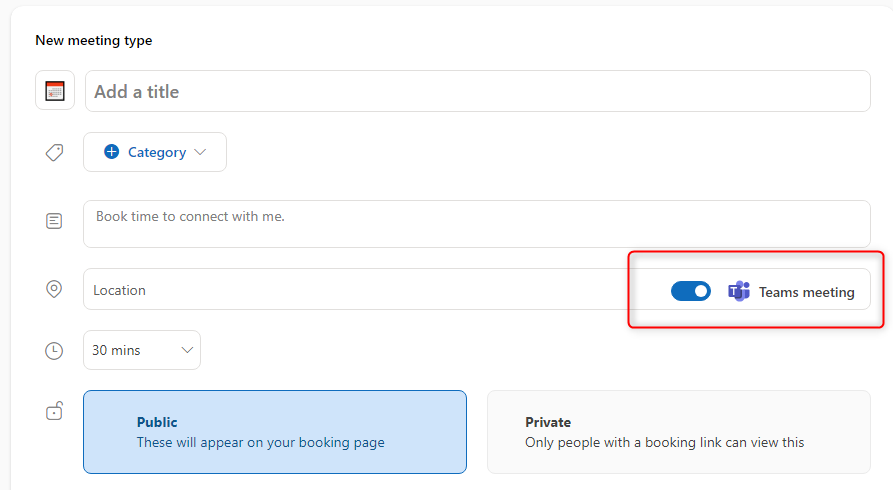
This is a really simple fix, this can occur if certain roles were missing from on-premise or were disabled in the past.
Step 1:
Go to Exchange Online Admin Center
https://admin.exchange.microsoft.com/
Step 2:
Go to Roles > User Roles
Select “Default Role Assignment Policy“
Click on “Manage Permissions“
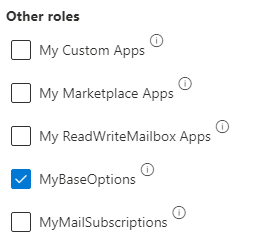
Make sure “MyBaseOptions” is selected.
Step 3:
Wait about 24-48 hours and the Teams on/off button should show up on the booking site.